 Wowthing Sync
Keep WoWthing up to date without opening a browser
A small desktop app that uploads your WoWthing Collector addon data each time you log out. Set it up once and it runs quietly in your system tray.
Free for macOS, Windows and Linux. Updates itself.
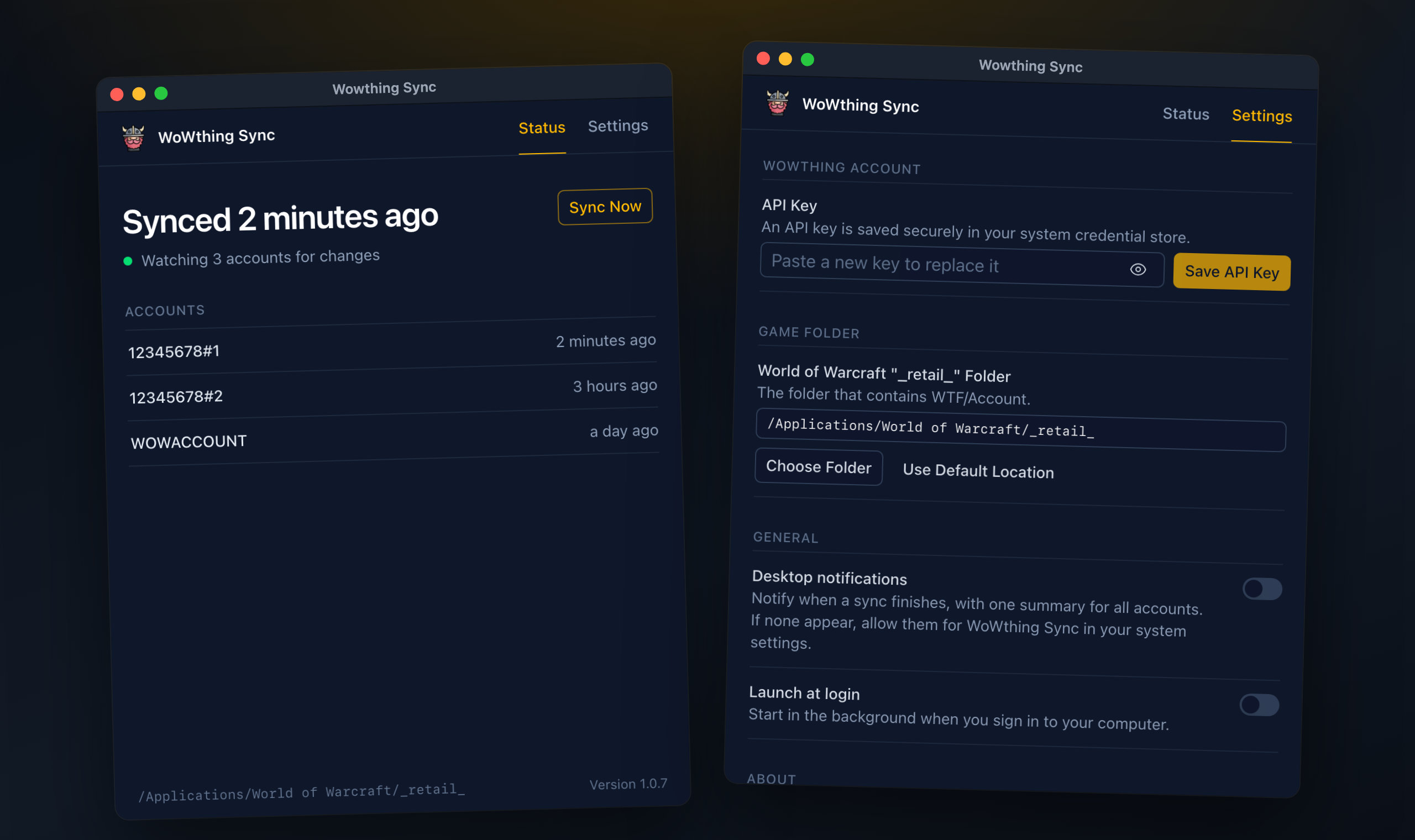
Log out. It's already uploaded.
The WoWthing Collector addon saves your progress whenever a character logs out or reloads the UI. Wowthing Sync notices the change and sends it to WoWthing a moment later.
Set it and forget it
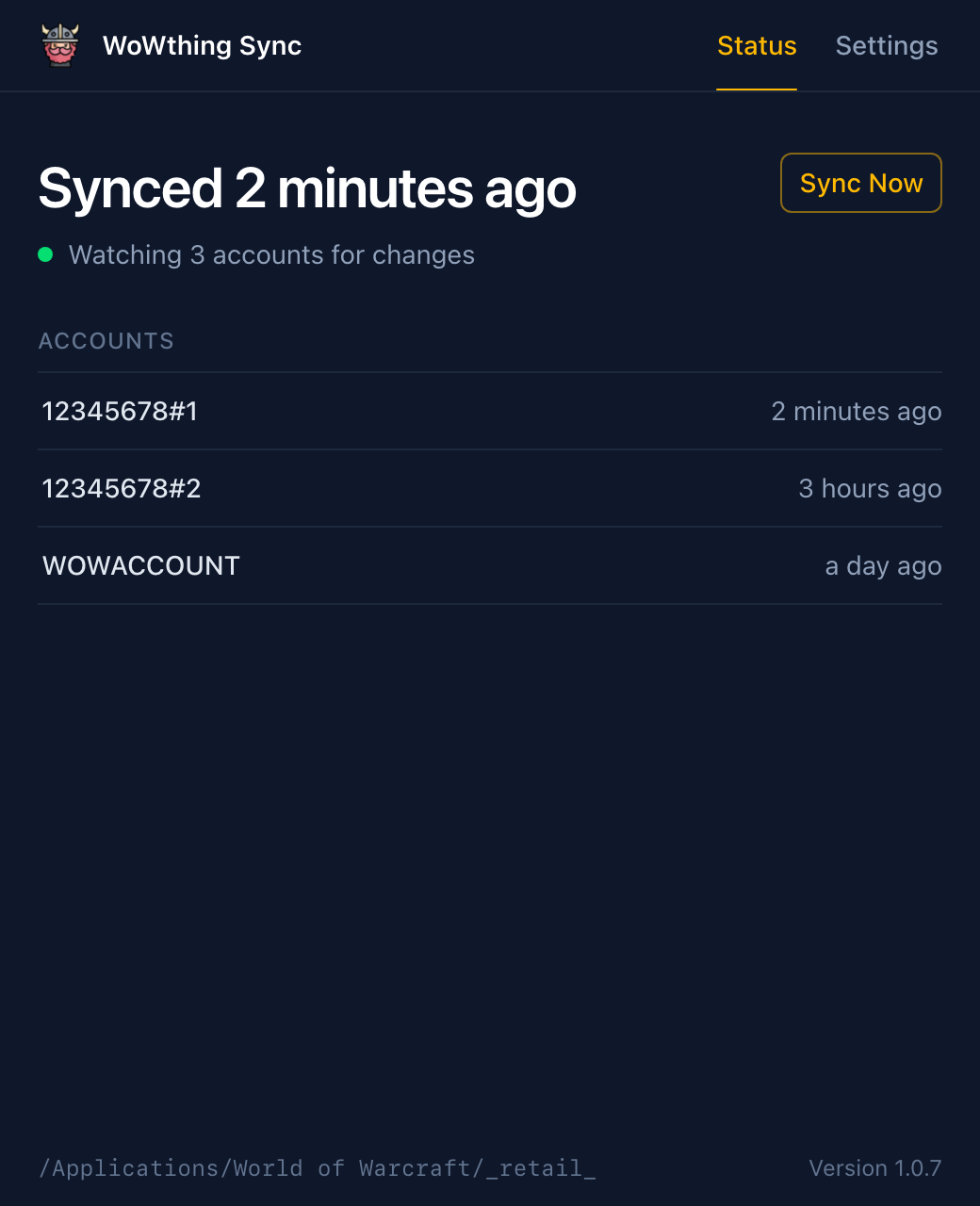
Runs in the system tray and can start when you sign in. Changes upload a moment after the game finishes writing them.
Every account at a glance
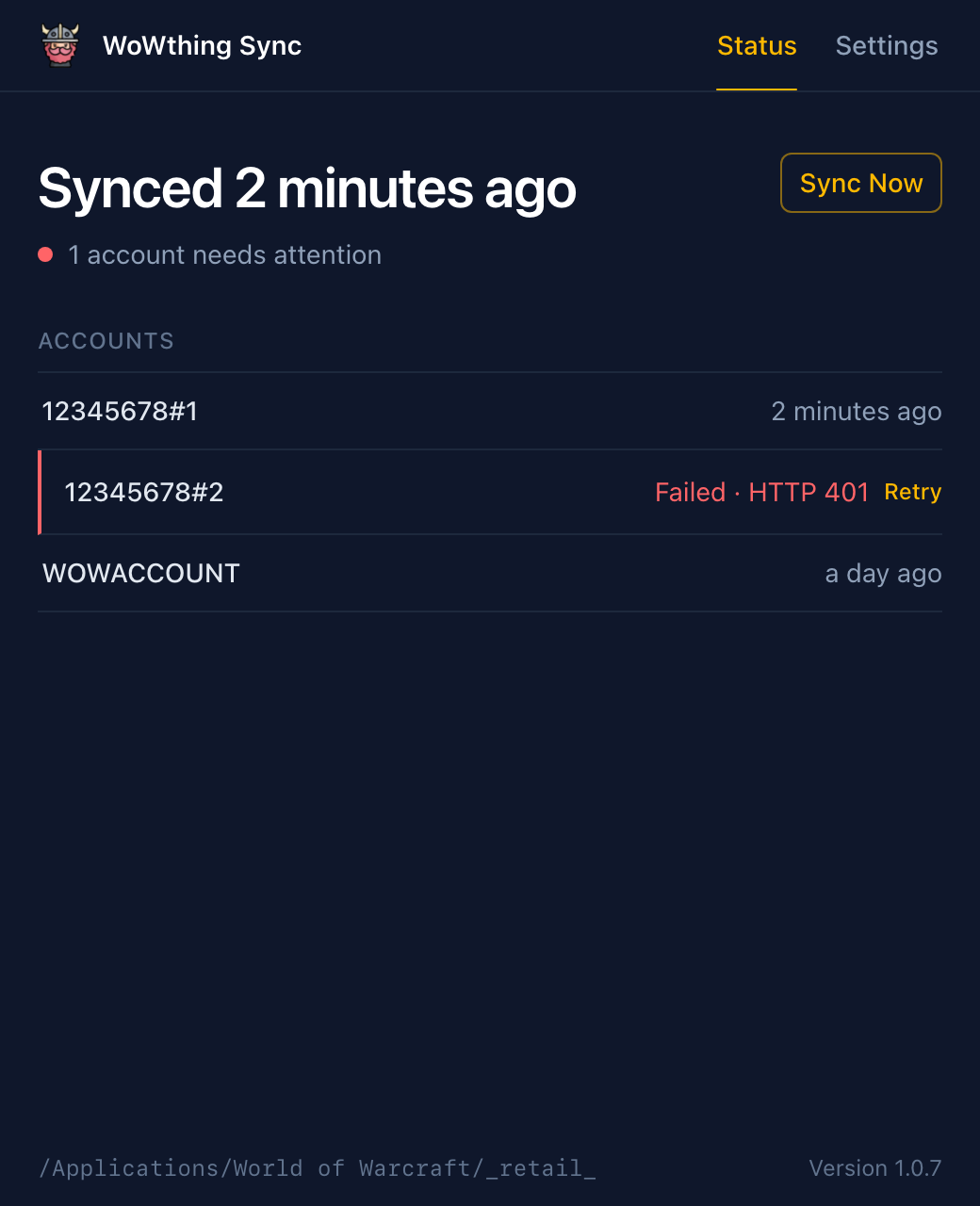
See when each account last uploaded. If one fails, the error and a Retry button appear right on that row.
Sync Now, from anywhere
Trigger an upload from the window or the tray menu, which also shows the current sync status.
One notification per sync
Optional desktop notifications summarize the whole sync, like "Collector data uploaded for 3 accounts".
Secure by default
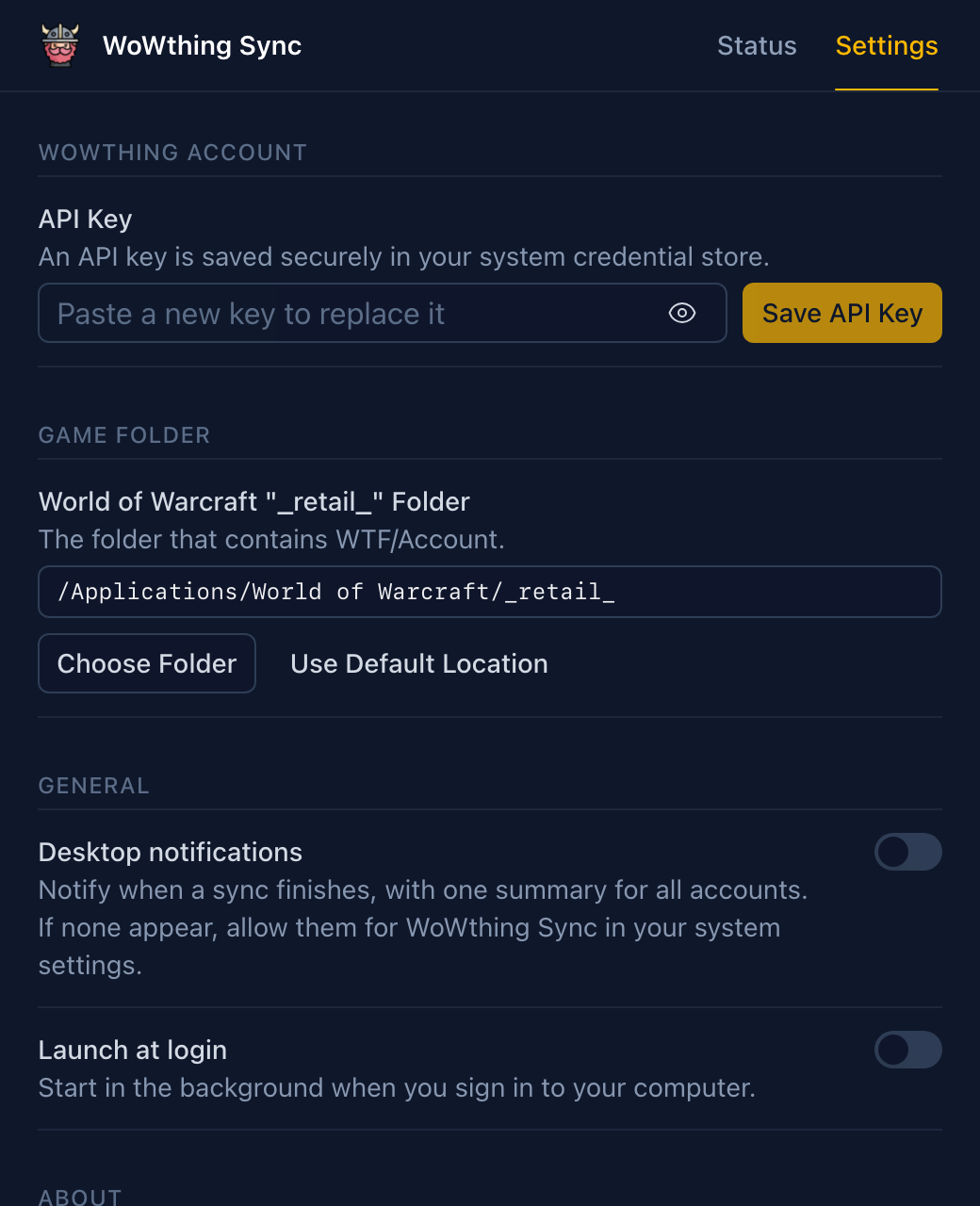
Your API key lives in Keychain, Windows Credential Manager or Secret Service, never in a plain-text file.
Stays current
Signed automatic updates, plus light and dark themes that follow your system.
Set up in a couple of minutes
You only do this once. After that, just play.
- 1
Install the addon
Add WoWthing Collector to your retail game with your addon manager of choice.
- 2
Copy your API key
Sign in to wowthing.org, open Settings → Account and copy your API key.
- 3
Connect the app
In Wowthing Sync, open Settings, paste the key and pick your
_retail_folder, or use the default location. - 4
Play
Log out of a character or
/reload. A few seconds later, its account appears under Status with an upload time.
Download Wowthing Sync
Free and open source. Latest version 1.1.3. Once it's installed, the app updates itself.

macOS
Apple Silicon and Intel
Not sure? Apple menu → About This Mac.


Linux
x64, including Steam Deck
Make it executable, then run it. No install needed.
On Linux, a keyring such as GNOME Keyring or KWallet must be running to store your API key. Older versions are on the Releases page.